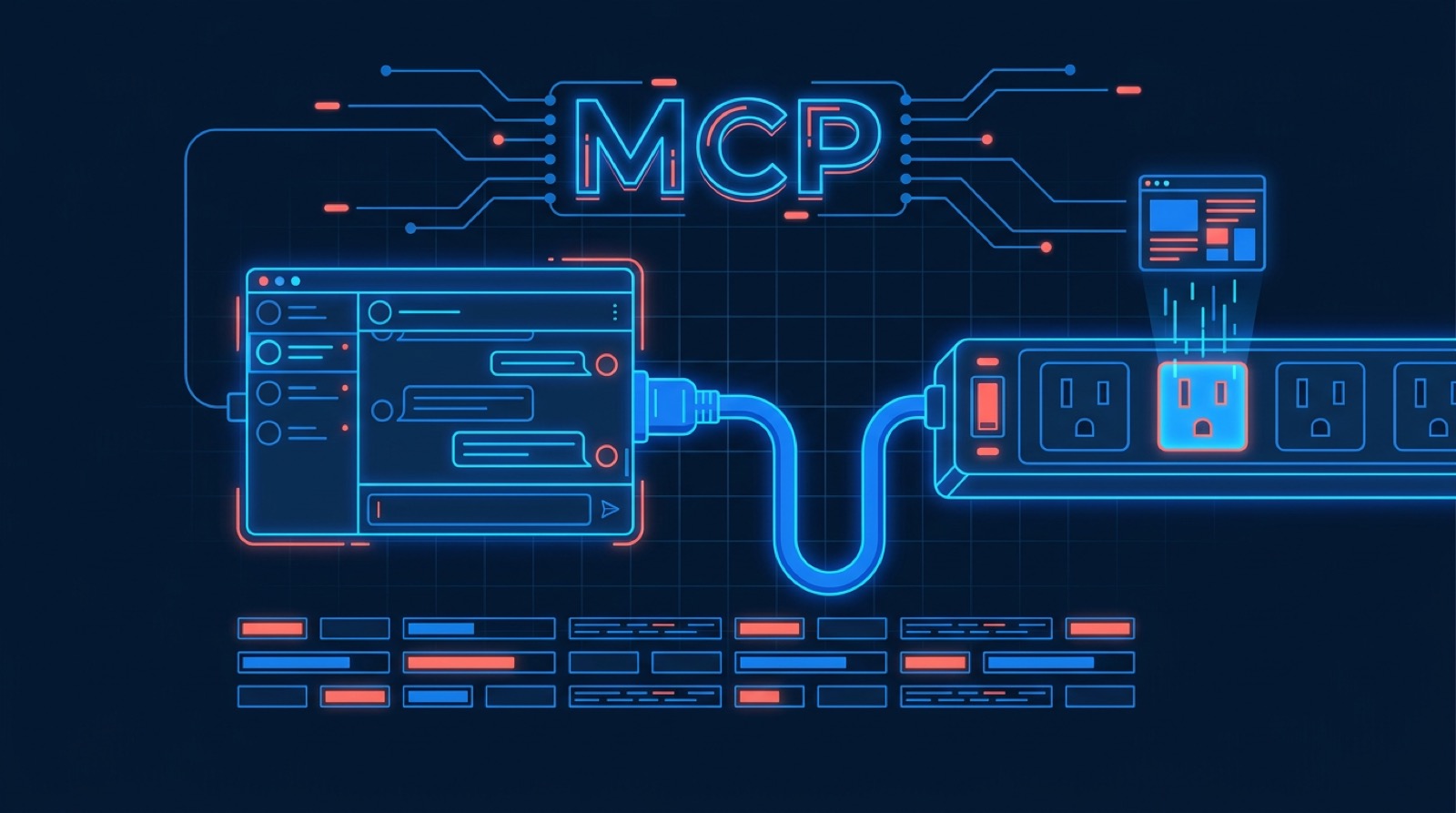
The Model Context Protocol (MCP) is what turns an AI assistant from something that talks about the web into something that reads it. Point Claude, Cursor, or any MCP client at a scraping server and it can fetch a live page, render its JavaScript, and pull structured data out of it — inside the same conversation where you're deciding what to do with that data. This guide covers the scraping-relevant parts of MCP end to end: how the protocol is shaped, which servers are worth running, how to configure them in each major client, how to build extraction and pagination workflows, and how to debug the connection when it silently fails to start.
Key Takeaways
- MCP is a client/server protocol over JSON-RPC. The client lives inside your AI app (Claude Desktop, Cursor, Claude Code); the server is a separate process or HTTP endpoint that exposes tools. You almost always write or install servers, not clients.
- Two transports matter:
stdiofor local servers the client launches as a subprocess, and Streamable HTTP for remote servers you connect to by URL. Nearly every "server won't connect" bug is transport-specific. - Browser MCP servers and API MCP servers solve different problems. Playwright MCP drives a real browser on your machine — great for interactive work, heavy for volume. A hosted scraping API server handles rendering and proxies remotely and returns just the data.
- Two unrelated things are called "pagination" here: the protocol's own opaque cursors on
tools/listandresources/list, and paging through a target site or API while scraping. Both are covered below. - Token cost is the hidden constraint. Every tool result passes through the model's context window. Returning clean text or typed fields instead of raw HTML is the difference between a workflow that runs and one that blows the context on page three.
What MCP actually is, and the client/server split
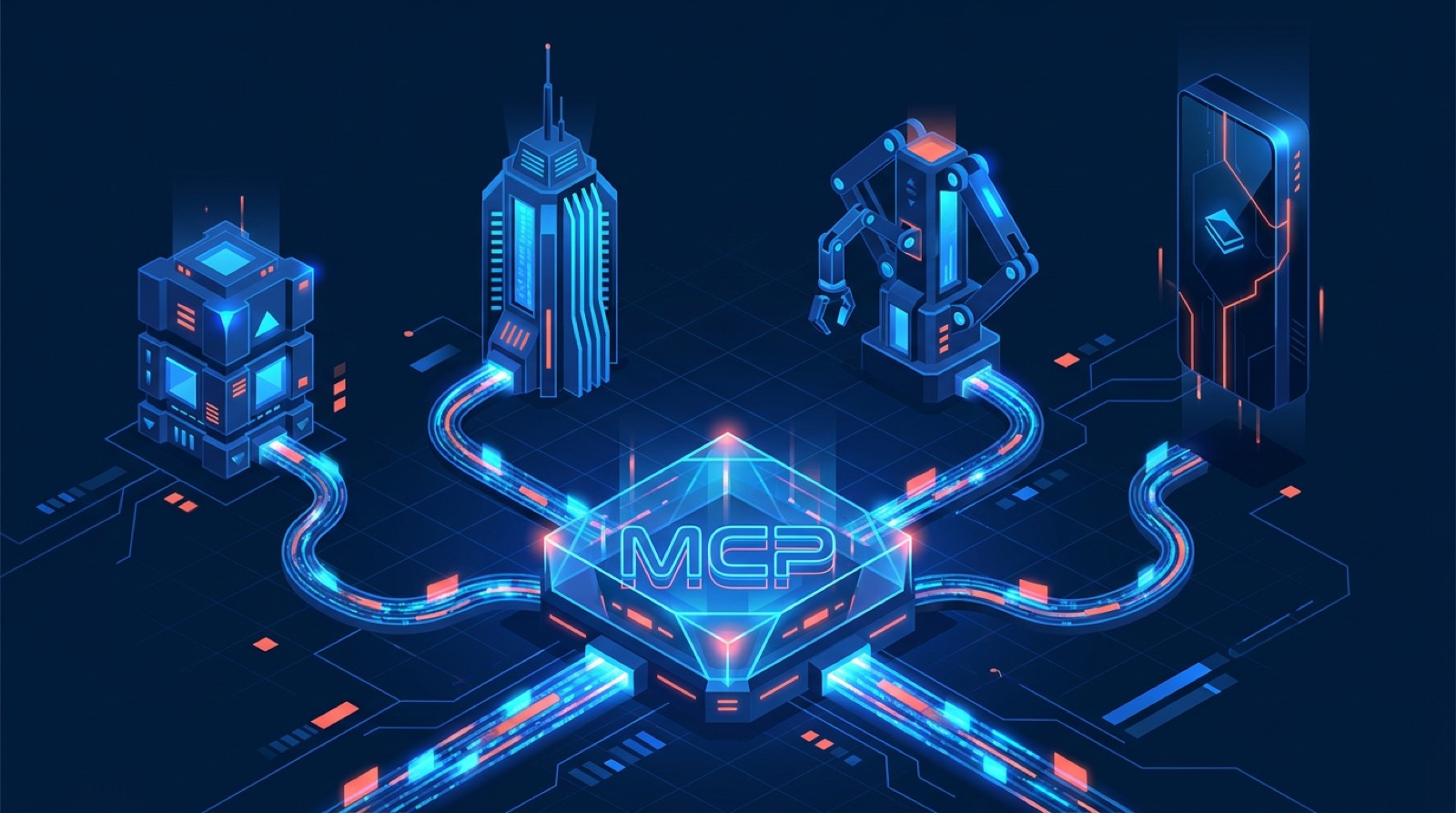
MCP is an open standard, introduced by Anthropic in late 2024, for connecting AI applications to external tools and data. The wire format is JSON-RPC 2.0. The mental model that clears up most confusion is that the roles are named from the AI application's point of view, not the network's:
| MCP client | MCP server | |
|---|---|---|
| Where it runs | Inside the AI app (Claude Desktop, Cursor, Claude Code, a custom agent) | A separate local process, or a remote HTTP endpoint |
| Who writes it | The app vendor, usually | You, or whoever publishes the server package |
| What it does | Discovers capabilities, forwards the model's tool calls, renders results | Exposes tools, resources, and prompts; does the actual work |
| In scraping terms | The thing deciding what to scrape | The thing doing the fetching |
A single client connects to many servers at once — a filesystem server, a database server, and a scraping server can all be live in one session, and the model picks between their tools. That's the whole point of the standard: without it, every AI app would need a bespoke integration per tool.
Servers expose three kinds of capability, and the distinction between the first two is the one people get wrong:
- Tools are model-controlled. The model decides to call
scrape_page(url)on its own, and the client typically asks you to approve it. This is where scraping lives. - Resources are application-controlled. They're addressable data the client can pull into context — the model doesn't invoke them, the app (or you) attaches them. More on these below.
- Prompts are user-controlled templates, surfaced as slash commands or menu items.
The MCP server landscape for scraping
There is no single best scraping MCP server; there's a fork in the road between driving a browser locally and calling a scraping service remotely. Here's an honest read of the main options:
| Server | How it works | Good at | Watch out for |
|---|---|---|---|
Playwright MCP (@playwright/mcp, Microsoft) | Launches a real Chromium/Firefox/WebKit on your machine, exposes navigate/click/type/snapshot tools | Interactive scraping, logged-in sessions, forms, anything needing real interaction | Chrome on your box, RAM per tab, and you own the anti-bot problem from your own IP |
| Chrome DevTools MCP | Drives Chrome over the DevTools Protocol, including performance traces and network inspection | Debugging what a page actually loads; finding the XHR endpoint behind a UI | Same local-browser costs; oriented toward debugging more than bulk extraction |
Fetch server (mcp-server-fetch, MCP reference set) | Plain HTTP GET, converts HTML to markdown, supports chunked reads | Static pages, docs, articles — cheap and fast | No JavaScript execution, no proxies. Fails on SPAs and anything behind a bot wall |
| Firecrawl MCP | Hosted crawl-and-convert service exposed as MCP | Whole-site crawls rendered to clean markdown | Crawl-shaped pricing and workflows; less suited to one-page typed extraction |
| Bright Data MCP | MCP layer over a large proxy platform | Hard targets, geo-specific data, scale | Platform-sized surface area and pricing to match |
| WebScraping.AI MCP | Hosted scraping API (rendering + rotating proxies) exposed as 10 tools (incl. Google search results and structured site data); hosted or self-hosted | Per-page question answering and typed field extraction, no local browser | Per-request credits; not a site-wide crawler |
The reference Puppeteer server (@modelcontextprotocol/server-puppeteer) was part of MCP's original example set but is no longer in the actively maintained reference servers — check the modelcontextprotocol/servers repository for its current status before building on it, and treat Playwright MCP as the maintained browser option. If you specifically want Puppeteer's API, running it as your own service and calling it from a thin custom server is more durable than depending on a community fork; our Puppeteer scraping guide covers that side.
One correction worth making loudly, because it circulates in a lot of MCP tutorials: there is no @modelcontextprotocol/server-playwright package. The official Playwright MCP server is published by the Playwright team as @playwright/mcp. If a config snippet you copied doesn't start, that name is the first thing to check.
Setting up MCP servers in each client
Claude Desktop
Configuration lives in a JSON file — ~/Library/Application Support/Claude/claude_desktop_config.json on macOS, %APPDATA%\Claude\claude_desktop_config.json on Windows. Create it if it isn't there:
{
  "mcpServers": {
    "playwright": {
      "command": "npx",
      "args": ["-y", "@playwright/mcp@latest", "--headless"]
    },
    "fetch": {
      "command": "uvx",
      "args": ["mcp-server-fetch"]
    }
  }
}
Restart Claude Desktop completely after editing — it reads this file only at startup, and "I edited the config and nothing happened" is almost always a process that was never restarted.
Claude Code
Claude Code manages servers from the CLI, which avoids hand-editing JSON:
# Local stdio server
claude mcp add playwright -- npx -y @playwright/mcp@latest --headless

# Remote server over Streamable HTTP
claude mcp add --transport http webscraping-ai https://mcp.webscraping.ai/mcp

# Inspect what's connected, and authenticate remote servers
claude mcp list
/mcp
Cursor
Cursor reads .cursor/mcp.json in the project (checked in, shared with your team) or ~/.cursor/mcp.json globally. Local and remote servers use the same file, distinguished by command versus url:
{
  "mcpServers": {
    "playwright": {
      "command": "npx",
      "args": ["-y", "@playwright/mcp@latest", "--headless"]
    },
    "webscraping-ai": {
      "url": "https://mcp.webscraping.ai/mcp"
    }
  }
}
A practical note on all three: npx and uvx resolve against the PATH the client inherits, not your shell's. GUI apps on macOS in particular often don't see a version manager's shims, which produces a server that fails instantly with no visible error. Using an absolute path (/opt/homebrew/bin/npx, or the full path from which node) removes an entire category of startup failures.
Scraping workflows through MCP
Extracting a single page
The simplest useful pattern is one tool call and a prompt. With a scraping-API server, you ask for the data rather than the document:
Using the webscraping_ai_fields tool, extract from
https://example.com/product/123 — name, price with currency,
and whether it's in stock.
The server fetches with JavaScript rendering, the extraction runs server-side, and what lands in the model's context is a small JSON object instead of a megabyte of markup. With a browser server the equivalent is a navigate call followed by a snapshot, and the model reads the page structure itself — more flexible, considerably more tokens.
Prefer snapshots and text over screenshots and HTML
Playwright MCP defaults to accessibility snapshots — a structured text tree of the page — rather than screenshots, and this default is correct. Snapshots give the model element references it can act on deterministically, cost a fraction of the tokens of an image, and don't require vision. Reach for screenshots only when you genuinely need to see rendering (visual regressions, canvas-drawn content).
The same instinct applies to API-style servers: text returns readable page content, selected returns just the elements matching a CSS selector, and html returns everything. Ask for the narrowest one that answers the question. Our CSS selectors cheat sheet covers the selector syntax if you're targeting specific regions.
Pagination, both kinds
1. Protocol pagination. MCP's own list operations — tools/list, resources/list, resources/templates/list, prompts/list — are cursor-paginated. The server returns a nextCursor when more results exist, and the client passes it back to get the next page:
{ "jsonrpc": "2.0", "id": 2, "method": "resources/list",
  "params": { "cursor": "eyJvZmZzZXQiOjUwfQ==" } }
Two rules matter here. Cursors are opaque — never parse one, never construct one, never assume it encodes an offset even when it obviously does. And page size is the server's choice, not something the client requests. If you're writing a server, keep the cursor stable enough that a client resuming a moment later doesn't skip or duplicate entries. If you're writing a client, loop until nextCursor is absent rather than until you get a short page.
2. Paging through a target site. This is the far more common task and has nothing to do with the protocol. Three shapes cover almost everything:
- Numbered pages (
?page=2): loop until a page returns no items, and always set a hard maximum so a layout change can't send an agent crawling forever. - Cursor or token APIs: follow the
nexttoken the response gives you; stop when it's null. - Infinite scroll: with a browser server, scroll and wait for new nodes; without one, open DevTools and find the XHR endpoint the scroll actually calls. That endpoint is nearly always cleaner, cheaper, and more stable than driving the UI — the single highest-leverage move in scraping a modern site.
Letting the model drive a paginated crawl turn by turn works, but it is the expensive way: each page round-trips through the context window. Once you know the shape of the pagination, moving the loop into a script that calls the API directly and only handing the result to the model is usually an order of magnitude cheaper. That trade-off is the theme of the limits section below.
Structured extraction over selector maintenance
The reason field extraction is attractive in an agent context isn't token count alone — it's that there are no selectors to break. A workflow built on h1.product-title fails silently when a site redesigns, and silently-wrong data is worse than a loud error in a recurring job like price monitoring. Describing fields in plain language and letting the extraction run against the rendered page survives markup changes that would break a CSS-selector scraper.
MCP resources, and when to use them instead of tools
Resources are addressable data a server exposes by URI — file:///logs/app.log, postgres://db/orders/schema, https://example.com/report. The client lists them with resources/list, reads them with resources/read, and each returns text or base64 blob content with a MIME type.
Servers can also publish resource templates — URI templates with variables, like docs://{section}/{page} — so a client can construct valid URIs without the server enumerating every possibility. And a server that declares the capability supports subscriptions: a client calls resources/subscribe and receives a notification when that resource changes, which is a natural fit for monitoring a page for updates rather than re-polling it.
For scraping, the honest guidance is that resources are usually the wrong primitive. Because they're application-controlled, the model can't decide to read one mid-task the way it can call a tool — the client or user has to attach it. Arbitrary-URL scraping is inherently model-driven, so it belongs in a tool. Resources earn their place for a fixed, enumerable set of things: cached crawl results, a list of monitored URLs, saved extraction schemas. If you find yourself wanting resource URIs to accept any URL, you wanted a tool.
Troubleshooting connection issues
This is where most MCP time gets spent, so it's worth being systematic. The connection has distinct stages — the client launches or dials the server, the transport comes up, the two exchange an initialize handshake and negotiate capabilities, and only then are tools callable. Knowing which stage broke narrows the fix immediately.
The stdio rule that breaks the most servers
In a stdio server, stdout is the protocol. Every byte of it is parsed as JSON-RPC. A single stray print() or console.log() corrupts the stream and the client drops the connection with an error that names JSON parsing, not your logging.
# Breaks the connection
print(f"Fetched {url}")

# Correct — stderr is free for logging
import sys
print(f"Fetched {url}", file=sys.stderr)
The same applies to anything a dependency prints, and to progress bars. If a server works when you run it by hand but dies under the client, this is the first thing to check.
Server won't start at all
Run the exact command from your config in a terminal. If it fails there, the problem is the server, not MCP:
npx -y @playwright/mcp@latest --headlessThe usual causes, in the order they actually occur: a wrong or nonexistent package name (see the server-playwright note above); npx/uvx not on the client's PATH; invalid JSON in the config file (a trailing comma will do it); a relative path that resolved differently under the client's working directory; or missing Playwright browsers, fixed with npx playwright install chromium.
Claude Desktop writes per-server logs to ~/Library/Logs/Claude/mcp-server-<name>.log on macOS, and mcp.log for the client side. Tail those before guessing — they usually contain the actual exception.
Debug it in isolation with MCP Inspector
The Inspector connects to a server directly, with no AI client in the loop, so you can see the handshake and call tools by hand:
npx @modelcontextprotocol/inspector npx -y @playwright/mcp@latestIf tools list and execute in the Inspector but not in your client, the fault is in the client's config; if they fail in both, it's the server. That single bisection resolves most ambiguous cases.
Remote server and HTTP transport failures
Remote servers replace the subprocess class of bugs with a network and auth class:
- 401 on every call — the OAuth flow didn't complete. In Claude Code, run
/mcpand follow the sign-in prompt; in Claude Desktop or claude.ai, reconnect the connector from settings. Access tokens are short-lived by design and refresh silently, so a 401 that persists means the grant is gone, not just the token. - Connection refused / DNS failures — check the URL scheme and path (
https://mcp.webscraping.ai/mcp, not the bare host), and whether a corporate proxy or firewall is in the way. - 405 on GET — expected from servers that implement request/response only and don't offer server-initiated streams. It's not a misconfiguration.
- TLS errors — a corporate MITM proxy's certificate is a far more common cause than an actual bad certificate. Fix it by trusting the corporate root, not by disabling verification.
Timeouts and slow tools
Scraping tools are slow by nature — a rendered page can take 10–20 seconds — and clients enforce their own limits. Set the server-side timeout below the client's, so you get a structured error you can act on rather than a severed connection. Where a target is genuinely slow, fetching less (text instead of full HTML, one selector instead of the page) usually helps more than raising the timeout.
Error handling worth building in
If you're writing a server, the difference between usable and infuriating is almost entirely in the error messages, because the model reads them. Request failed teaches it nothing; HTTP 403 from example.com — target likely blocking datacenter IPs, retry with proxy=residential tells it exactly what to try next. Return errors as tool results rather than transport-level failures, retry idempotent fetches with exponential backoff and honor Retry-After, and never put credentials in an error string — they end up in logs and in the model's context.
Rate limits, auth, and remote versus local servers

Local (stdio) servers launch as a subprocess of your AI app. Credentials sit in the config file as environment variables, everything runs on your machine and your IP, and the server can touch your filesystem. Good for full control and for anything that must stay local; the costs are per-machine setup, your own IP getting blocked, and secrets in plaintext config.
Remote (Streamable HTTP) servers are a URL. Nothing to install, the same server across every device and client, and rendering and proxies happen on the provider's infrastructure. Auth is where the meaningful difference lies: a well-built remote server uses OAuth rather than a pasted API key, so you sign in with an account you already have and the client stores tokens it can refresh and you can revoke centrally.
Our own remote MCP server works this way. You add https://mcp.webscraping.ai/mcp to your client, it discovers the authorization server automatically, you log into your WebScraping.AI account and approve a consent screen — no API key is copied anywhere. Tool calls then run against your own account, so quota, concurrency limits, and billing behave exactly as they do for direct API calls. If you'd rather keep the key on your own machine, the open-source npm server runs the same ten tools locally over stdio.
On rate limits: an agent that decides on its own to fetch forty pages will do so as fast as the client lets it. Concurrency caps on the server side are what keep an enthusiastic loop from burning a month of quota in an afternoon, and per-request proxy selection is what keeps a hard target from blocking you after page five.
Honest limits: when MCP is the wrong tool
MCP is genuinely good at exploratory and interactive scraping. It is not a replacement for a scraping pipeline, and pretending otherwise wastes money:
- Everything costs tokens twice. A tool result is billed as input on the next turn, and a raw HTML page can be tens of thousands of tokens. Ten pages of unfiltered HTML can cost more in model tokens than the scraping itself.
- Agents aren't deterministic. A model deciding how to paginate will occasionally decide differently. For a nightly job that must produce the same columns every time, a script beats an agent.
- Throughput is bounded by the conversation. Scraping 50,000 URLs through a chat loop is the wrong shape entirely — that's a queue and a worker pool calling the API directly.
- Local browser servers don't scale sideways. One Chromium per session, gigabytes of RAM, and your residential IP doing the requesting. Fine for a handful of pages, wrong for a crawl.
- Scraped content is untrusted input. A page can contain text written to hijack an agent that reads it ("ignore previous instructions and…"). Treat tool output as data, never as instructions, and prefer servers that mark external content explicitly — our hosted server does this by default, wrapping scraped results in security boundaries (the self-hosted version offers the same via an opt-in flag).
The dividing line that holds up in practice: use MCP when a human is in the loop and the task is exploratory — figuring out a site's structure, pulling data for a one-off analysis, prototyping an extraction. Use the API directly when the task is known and repeated. The two aren't in tension; the usual path is to explore through MCP and then move the settled workflow into a script or an n8n workflow.
Using the WebScraping.AI MCP server
Our server exposes the API as ten tools, hosted or self-hosted, and it's built for the case where a generic fetch server falls over — JavaScript apps, anti-bot walls, geo-restricted content:
| Tool | What the model gets |
|---|---|
webscraping_ai_question | A plain-language answer about a page |
webscraping_ai_fields | Typed fields as JSON, no selectors required |
webscraping_ai_text | Clean visible text, ready for summarization |
webscraping_ai_html | Fully rendered HTML, after JavaScript |
webscraping_ai_selected | HTML for one CSS selector |
webscraping_ai_selected_multiple | HTML for several selectors at once |
webscraping_ai_serp | Parsed Google search results as JSON (positions, titles, links, snippets), from a chosen location, up to 5 pages per call |
webscraping_ai_serp_locations | Location names to run a search from a specific city or region |
webscraping_ai_data | Structured JSON for a page on a supported site (e.g. YouTube, TikTok, X, LinkedIn, Instagram, Reddit) |
webscraping_ai_account | Remaining credits and limits |
Each maps to a documented endpoint — /html, /text, /selected, /selected-multiple, /ai/question, /ai/fields, /serp, /serp/locations, /data, /account — and the page tools take the same JavaScript rendering, device emulation, and datacenter/residential/stealth proxy options described in the API reference. The SERP tool takes a query instead of a URL, which gives an agent a "search, then read the top results" loop inside one server. Failed requests aren't billed, which matters more than it sounds when an agent is retrying a difficult target on its own.
Connecting takes about a minute:
claude mcp add --transport http webscraping-ai https://mcp.webscraping.ai/mcpThen /mcp to sign in. In Claude Desktop or claude.ai it's Settings → Connectors → Add custom connector with the same URL; in Cursor it's a url entry in mcp.json. A free account includes credits every month with no card required, and the integrations page lists the other surfaces — n8n, the CLI, and the rest — if MCP isn't where your workflow lives.
Frequently asked questions
What is a web scraping MCP server? An MCP server that exposes scraping operations — fetch a page, render its JavaScript, extract fields — as tools an AI assistant can call on its own. It lets the model work with live web content instead of its training data, without you writing a bespoke integration for each AI app.
What's the difference between an MCP client and an MCP server? The client is built into the AI application (Claude Desktop, Cursor, Claude Code) and forwards the model's tool calls. The server is a separate process or HTTP endpoint that implements the tools and does the work. One client connects to many servers simultaneously; you generally install or write servers, not clients.
Which MCP server is best for scraping JavaScript-heavy sites? Either a browser server like Playwright MCP, which runs a real Chromium locally, or a hosted scraping API server that renders remotely. The plain fetch server does no JavaScript execution and will return an empty shell for SPAs. Choose local browser for interactive work with logged-in sessions; choose hosted for volume, proxies, and no Chrome on your machine.
How do I implement pagination with MCP servers?
For MCP's own list operations, follow the opaque nextCursor the server returns and loop until it's absent — never parse or construct a cursor yourself. For paginating a target site, follow numbered pages or the API's next token with a hard page cap, and prefer the underlying XHR endpoint over driving an infinite-scroll UI. Once the pagination shape is known, running the loop in a script against the API is far cheaper than paging through a conversation.
Why won't my MCP server connect?
Work the stages in order: run the server command directly in a terminal to confirm it starts, validate the config JSON, use absolute paths since GUI clients don't inherit your shell's PATH, and check the client logs (~/Library/Logs/Claude/ on macOS). For stdio servers, make sure nothing writes to stdout — that stream is the protocol, and one stray print() breaks the connection. npx @modelcontextprotocol/inspector tests the server with no client involved.
Do I need an API key for a remote MCP server? Not for one that implements OAuth. With our hosted server you add the URL, sign in with your existing account, and approve access; the client stores refreshable tokens you can revoke centrally. Self-hosted stdio servers take an API key as an environment variable in the client config instead.
Is MCP cheaper than calling a scraping API directly? No — it adds LLM token costs on top of scraping costs, since every tool result passes through the context window. Its value is flexibility and interactivity, not cost. Explore and prototype through MCP; move settled, repeating workloads to direct API calls.
Can an MCP server be tricked by content on a scraped page? Yes. Prompt injection through scraped text is a real risk — a page can carry instructions aimed at your agent. Treat all tool output as untrusted data, keep destructive tools out of sessions that read arbitrary web pages, and prefer servers that explicitly mark external content as non-instructional.
